JEOL 8200 EOS Electron Optical
System Monitor
Launch EOS
Monitor
On JEOL EPMA
Main Menu, Monitor, Select EOS Monitor
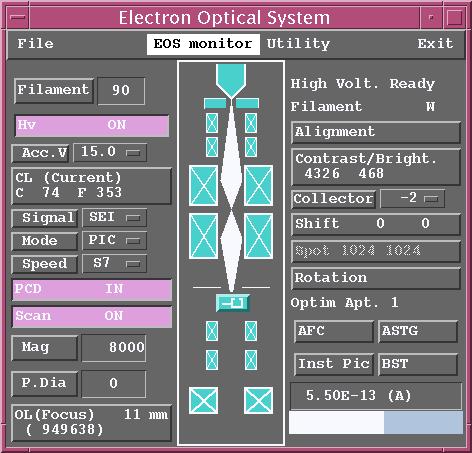
Filament Button
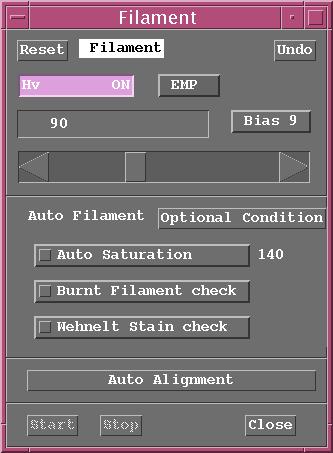
Filament set at standby of 90
Filament set at typical saturation level
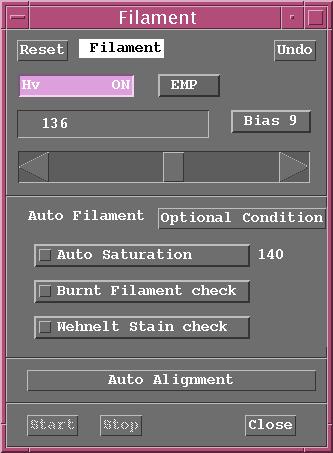
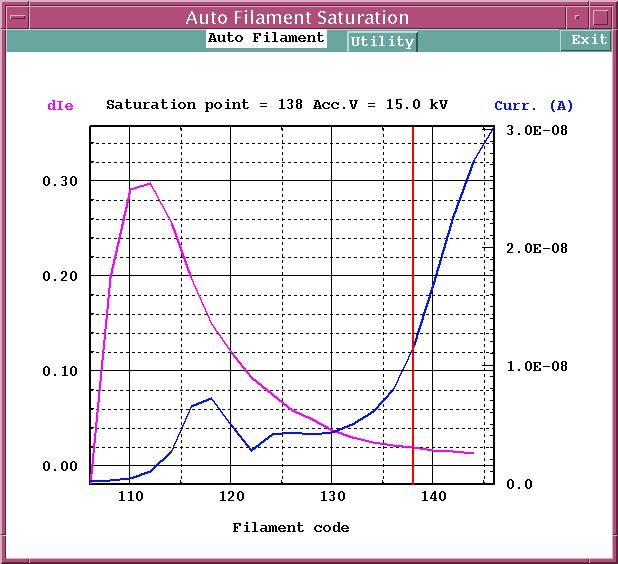
Auto Filament Saturation Window
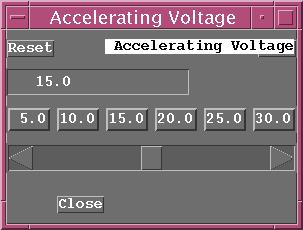
Accelerating Voltage
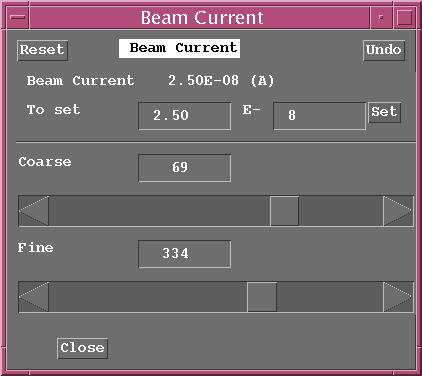
Condenser Lens Control – Probe Current Control
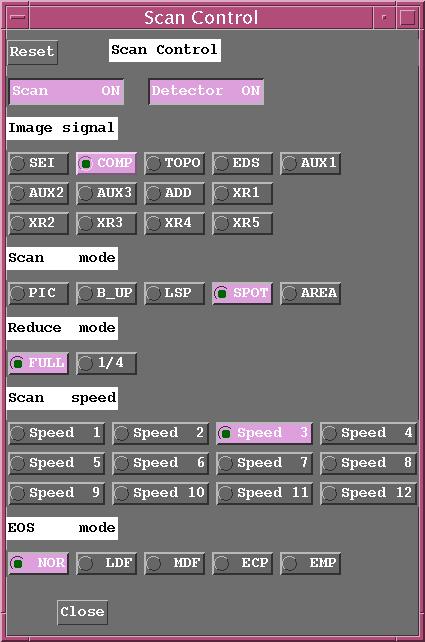
Scan Control (launched from Signal, Mode, and Speed Buttons)
Magnification Control
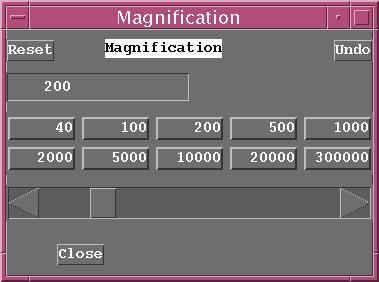
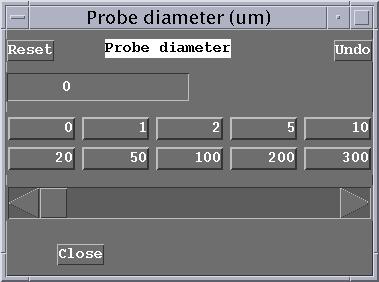
Probe Diameter Control – Beam Diameter in microns
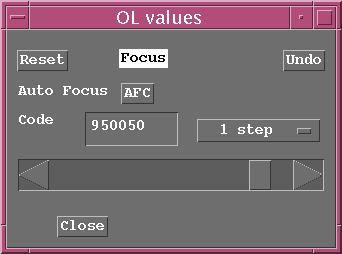
Objective Lens Control – DAC Values not readily understood by humans
Right Hand Side of EOS Monitor
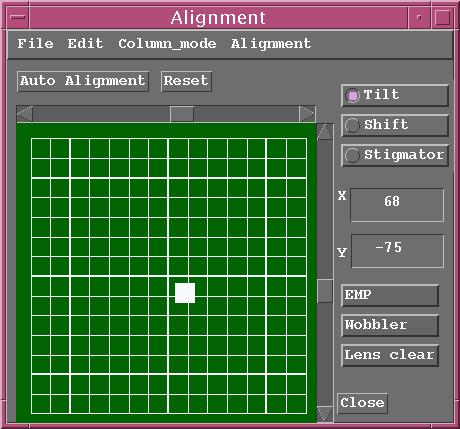
Alignment
Contrast and Brightness Control
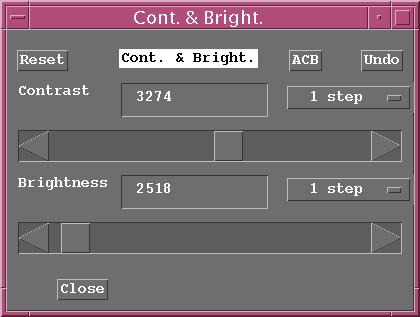
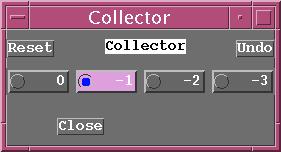
Collector Control – Secondary Electron Collector Voltage Control
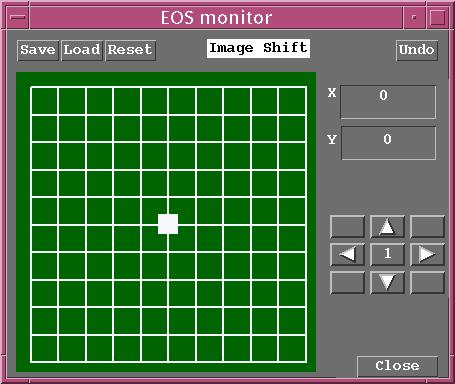
Shift Control – Centering of Electron Beam with Probe Scan turned on
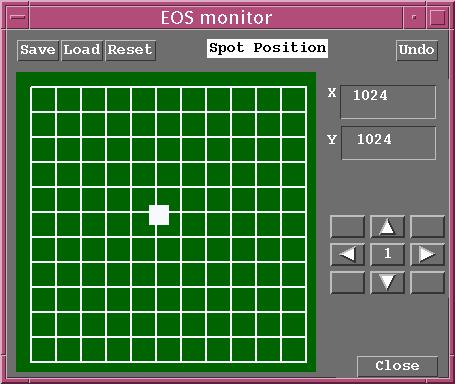
Spot Control – Position of SGSP Green Cross Hair on OS-9 Monitor
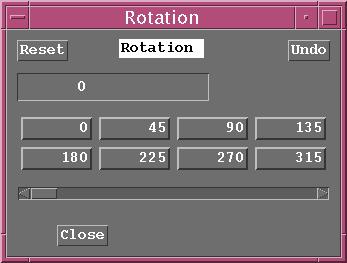
Rotation Control – Scan Rotation Value